Turn phone photos into premium listing images
Upload one listing photo
See how Turtl handles lighting, alignment, and listing polish before you pay for full edits.
Upload one listing photo and see how Turtl handles lighting, alignment, cleanup, and listing polish before you pay for full edits.
Real listings, real glow-ups
See the glow-up
Real before/after examples from agents and owners using Turtl.
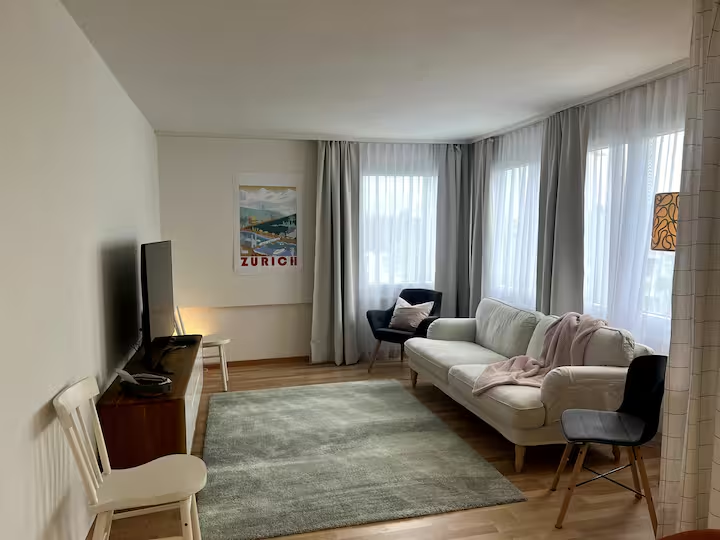
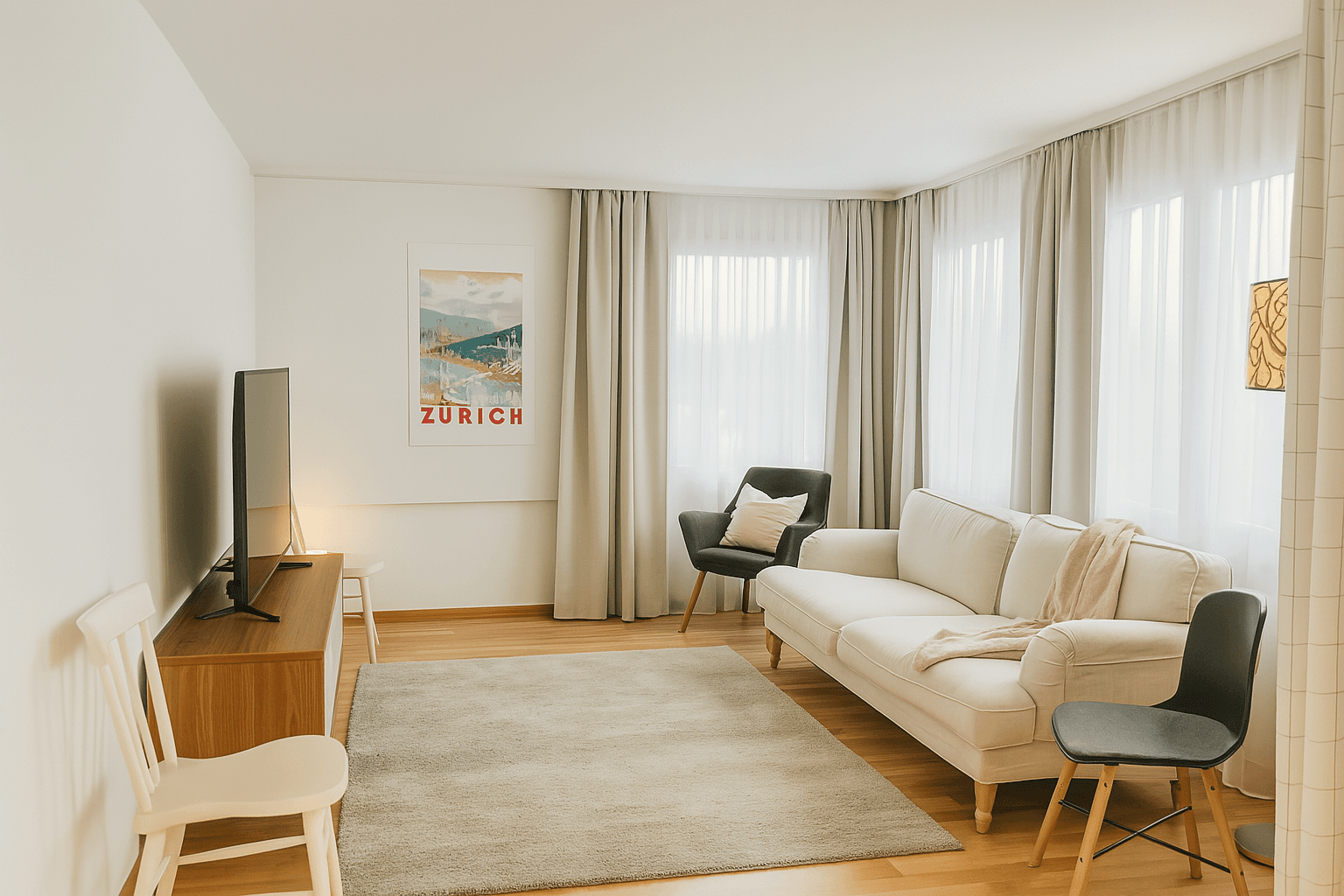
One-Click Polish
Fix the basics fast: cleaner light, straighter lines, and a sharper listing-ready finish.
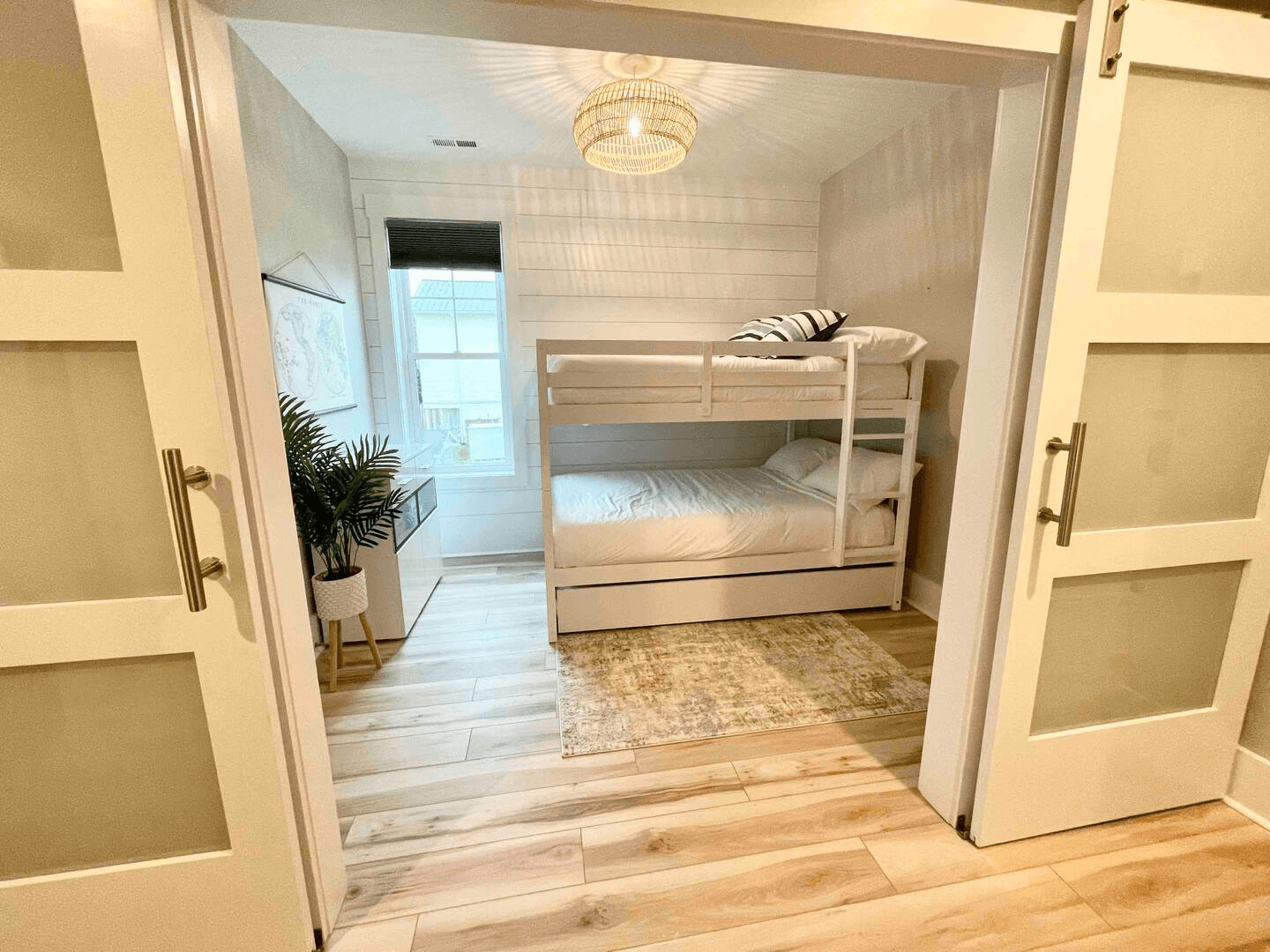

Framing & Perspective
Correct awkward shooting angles so the room reads cleanly on MLS, Zillow, and Redfin.
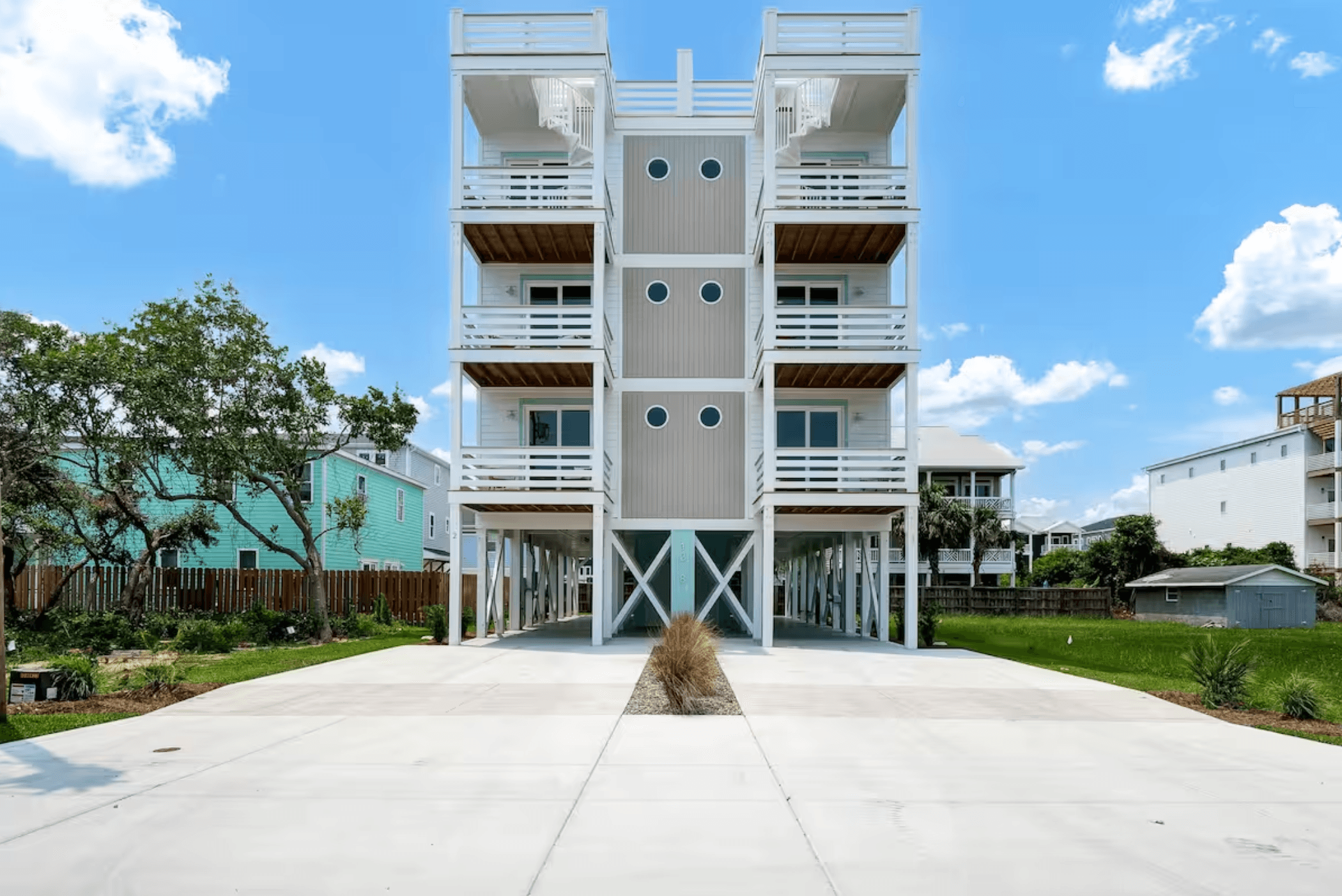
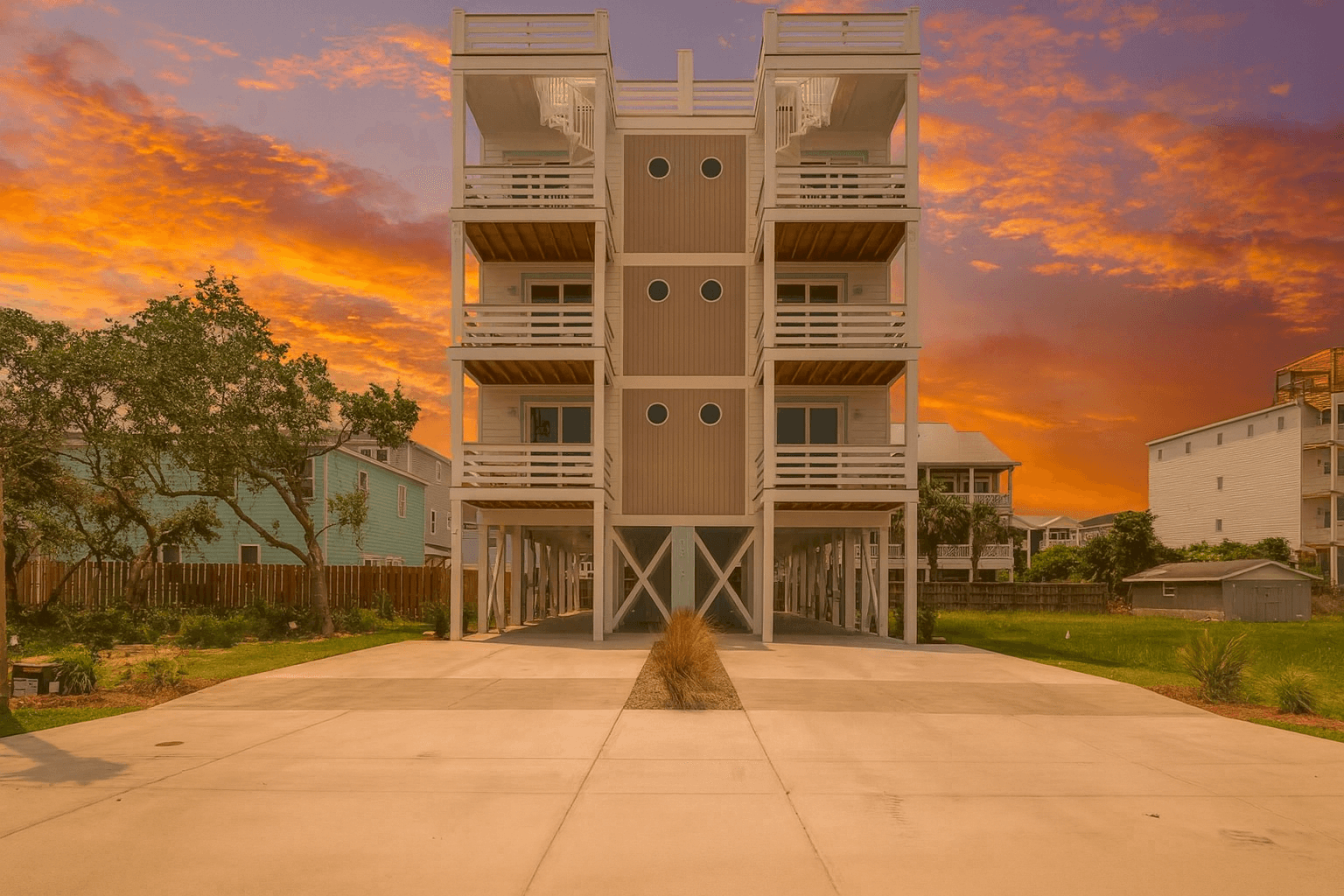
Sunset Sky Swap
Add a believable twilight look when the original exterior photo landed flat.
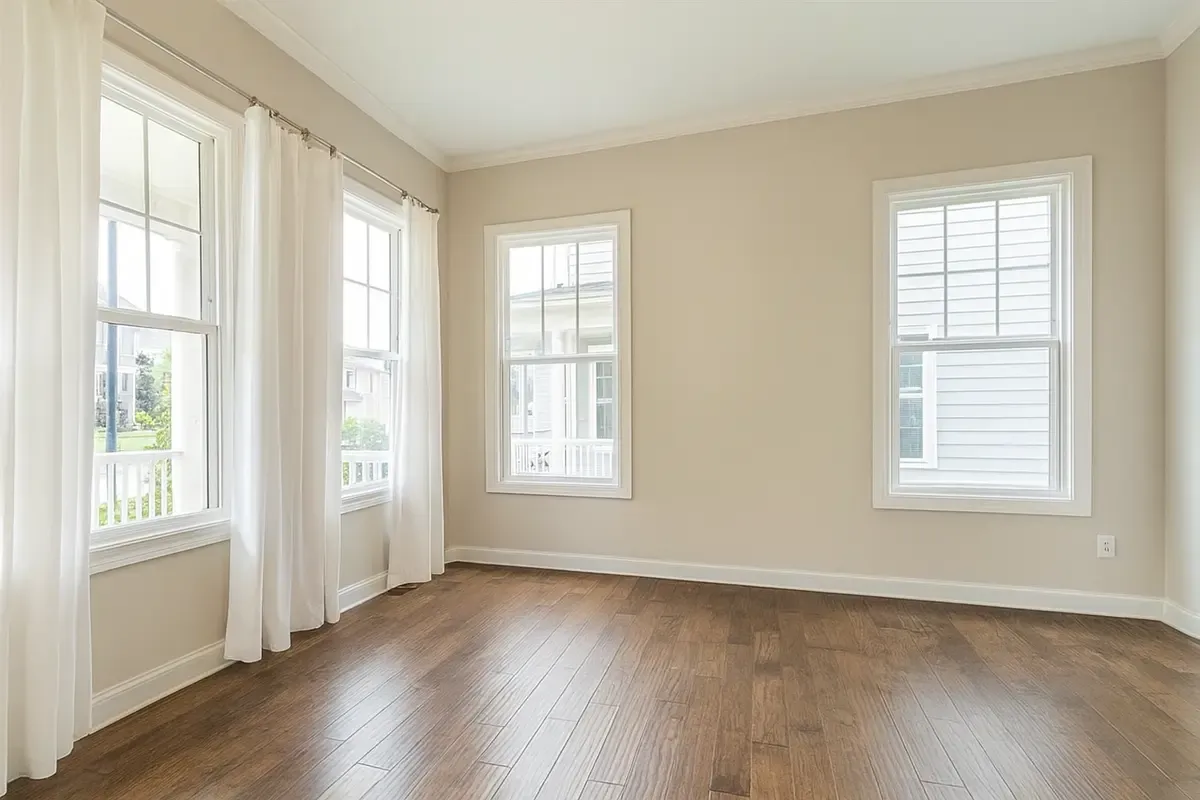

Virtual Staging
Stage empty rooms for marketing without paying for a second visit or a full manual retouching pass.
Edits ready in
2 minutes
AI finish
Photorealistic
What customers are saying
Real customers sharing how cleaner listing photos helped them improve presentation without another full shoot.

“Turtl lets us refresh rental photos each turnover without scheduling a full shoot.”
Read full story
We manage long-term rental homes around Raleigh, and keeping photos current used to be hard to justify. Professional photos meant extra cost, scheduling, and time during a turnover, so we often kept using the same listing photos from when we originally bought the houses. With Turtl, we can refresh photos ourselves each time a home turns over, show small updates more accurately, and keep listings feeling current without slowing down the process. We have also used it for DIY photos when we sell properties, which has been a huge help.
“Guests often mentioned in reviews that the apartment was even nicer than the photos... With Turtl, I was able to update all my listing photos quickly and easily.”
Read full story
As a busy mom managing a two-bedroom apartment near Zurich on Airbnb, professional photography was never high on my to-do list — especially for such a small property. Guests often mentioned in reviews that the apartment was even nicer than the photos, so I knew the images I took weren’t doing it justice. With Turtl, I was able to update all my listing photos quickly and easily, and now they finally match the experience my guests rave about. My booking rates are already high, so these improved photos are the perfect reason to raise my prices.

“...we’ve already replaced 90% of the photos on our booking site with Turtl edits.”
Read full story
Turtl completely transformed how we handle our family-owned resort’s property photos. The quality is outstanding — bedroom shots are gorgeous, poorly lit areas come out looking professional, and even tricky details like reflections and bed folds are handled perfectly. We got these results on the first try with no special instructions. After reviewing each photo carefully, we’ve already replaced 90% of the photos on our booking site with Turtl edits. The credit system is simple and transparent, and the results speak for themselves — this is hands-down the best photo enhancement tool we’ve tried.
Why agents switch to Turtl
Benefits that move listings faster
From instant refreshes to portal-ready hero shots, every edit drives ROI.
Faster sales
Refresh MLS-ready galleries overnight so listings stay hot while inventory moves.
Higher click-through on Zillow/Redfin
Upgrade your hero image stack so buyers tap your listing before anyone else's.
More showing requests
Deliver magazine-ready photos that convince buyers to book in-person tours.
Love your edits or get your money back
We’re confident you’ll love the results. If you’re not completely satisfied with your edits, we’ll refund your credits or give your money-back, guaranteed.
FAQ
Questions agents ask before they start
Clear expectations help both conversions and SEO, so these answers explain how Turtl fits real listing-photo workflows.
What does a 1-credit edit include?
A 1-credit edit covers standard listing-photo enhancements like brighter interiors, straighter lines, cleaner color, glare cleanup, TV screen cleanup, and reflection or shadow cleanup where possible.
Can I add specific instructions?
Yes. The default edit is 1 credit, and the advanced tab lets you append specific instructions for season changes, item cleanup, TV screens, room direction, or other targeted listing-photo edits.
Does Turtl offer virtual staging?
Yes. Virtual staging and larger room transformations are available as 3-credit edits when you need furniture, styling, or more substantial visual changes. Marketing variants generate five options for 5 credits.
How fast are edits usually delivered?
Most standard edits are ready in a couple of minutes, so agents can rescue a listing photo quickly without scheduling another shoot.
Get started with pro-level edits
Sign up to create full-resolution, unwatermarked edits in seconds.